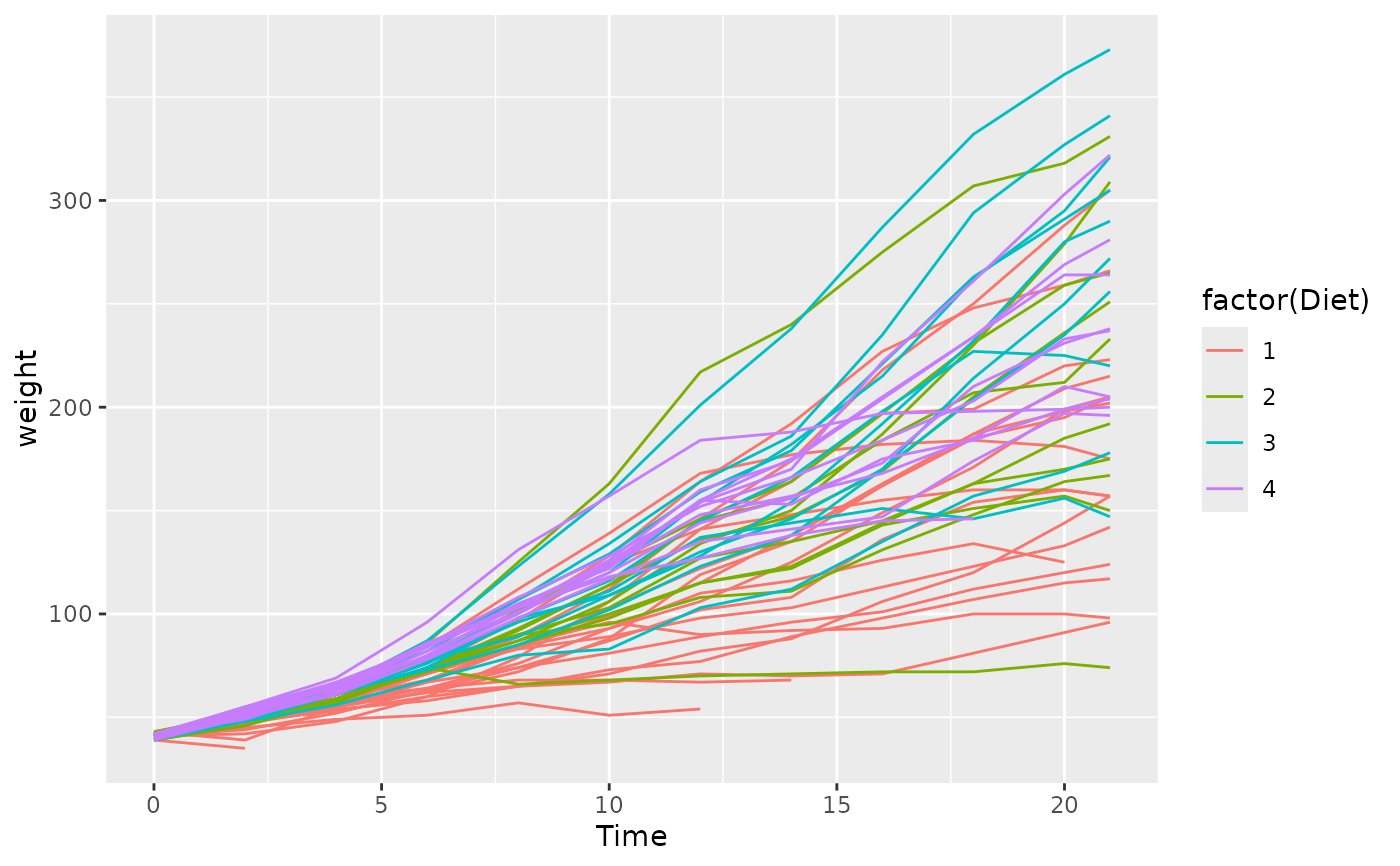
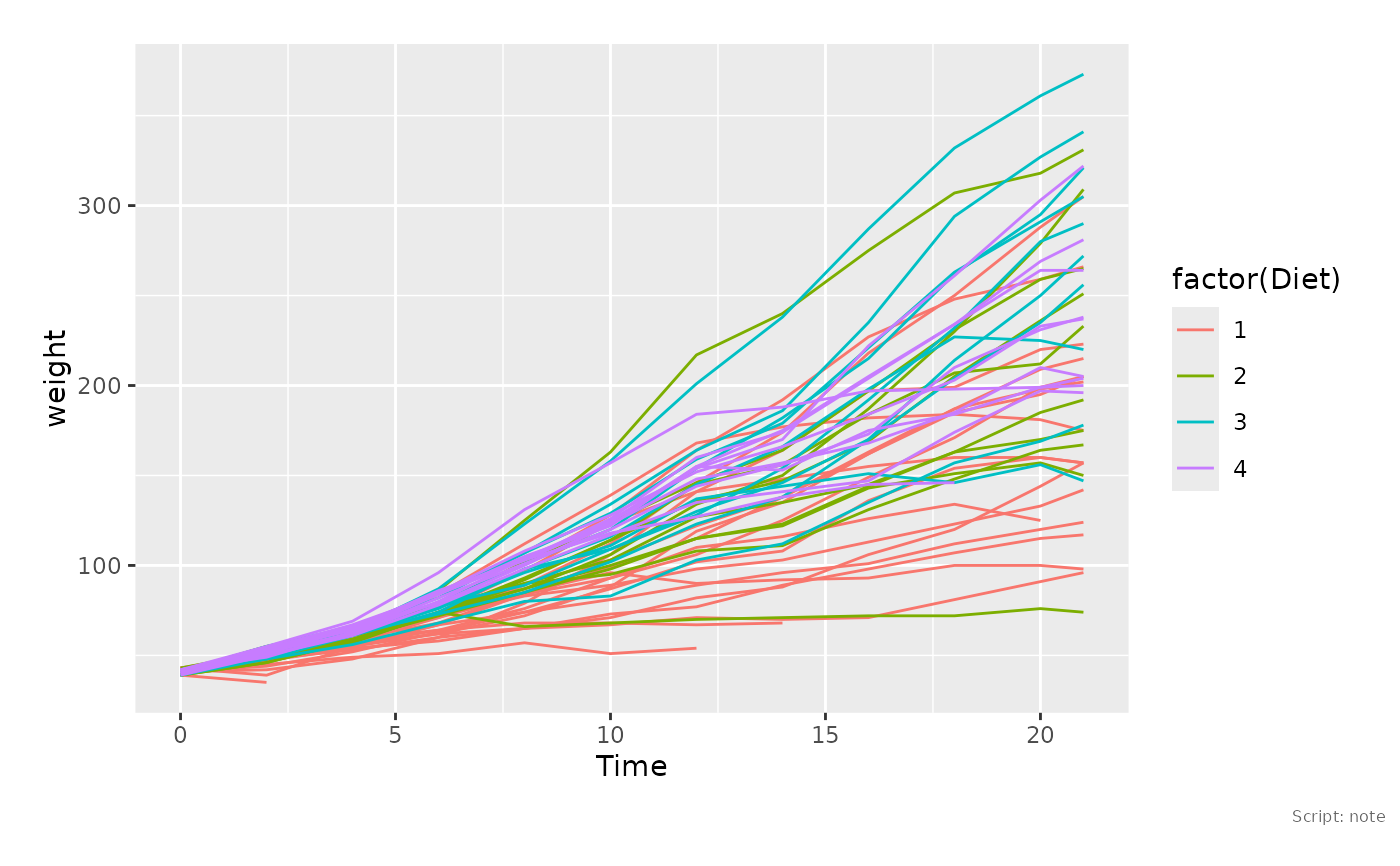
This function is used to stamp ggplot type plots with datetime and script name. User must provide the script name.
Usage
ggstamp(
  plot,
  file,
  size,
  script,
  time,
  model,
  stamp.gg.style,
  stamp.format = NULL,
  stamp.funs = NULL
)
Arguments
- plot
The plot to be stamped.
- file
An optional output filename to be included in the stamp.
- size
The size (list) for the plot, not the caption. Used to calculate the size of the caption.
- script
the script name. Date and time will be added automatically.
- time
The timestamp to be included.
- model
An optional model name or object to be included in the stamp.
- stamp.gg.style
A list of formatting options for the stamp text. For ggplot objects, valid elements include size, colour, hjust, vjust, and other parameters accepted by
ggplot2::element_text(). For gtable objects, valid elements include col, fill, alpha, lty, lwd, lex, lineend, linejoin, linemitre, fontsize, cex, fontfamily, fontface, lineheight, and font. Default formatting is applied if not specified. Additionally, the elementpositioncontrols where the stamp is placed:"left","center","right"(default) or a number between 0 (left) and 1 (right).hjustcontrols justification of the lines within the stamp and defaults to 0 (left-justified). Example:stamp.gg.style=list(position="right",hjust=0)places the stamp on the right with left-justified lines.- stamp.format
A template for the stamp text using the placeholders
%script,%time,%model, and%file, with"\n"for line breaks. Default is"%file\n%script\n%model\n%time". SeecreateStamp.- stamp.funs
Optional named list of functions (elements
script,time,model,file) used to preprocess the values before they are inserted intostamp.format. SeecreateStamp.
Value
A stamped plot object. If size is given, a
patchwork object with the stamp panel underneath the plot.
Otherwise the plot with the stamp added as caption. For gtable
input, a gtable. If plot is a list, a list of stamped
plots.
Details
The stamp text is generated by createStamp
based on stamp.format and stamp.funs. If the
plot already has a caption, the stamp is added below it.
How the stamp is added depends on size:
If
sizeis given (always the case when called fromggwrite), the stamp is drawn in a separate panel underneath the plot (combined usingpatchwork). The panel height is calculated from the number of stamp lines and the font size, and the plot height is reduced accordingly so the total size matchessize. Placement of the stamp (stamp.gg.style$position) and justification of its lines (stamp.gg.style$hjust) are controlled independently.If
sizeis not given, the stamp is added as the plot caption (labs(caption=...)) and styled usingtheme(plot.caption=...). In this case,hjustcontrols both placement and justification.
For gtable objects (e.g. from gridExtra::arrangeGrob), the
stamp is added at the bottom using arrangeGrob.
ggplot 2.2.1 or newer is required.
See also
Other Plotting:
canvasSize(),
ggwater(),
ggwrite()